of agents already managed in Microsoft Agent 365.
Agents managed, not agents paying. Microsoft, Apr 2026Every payment checked. You stay in charge.
Your agent
Your rules
Paid40 USDC
You approved28 USDCApprove
Blocked72 USDC
12 USDC28 USDC72 USDCBring AgntPymt to your agent.
Bring the agent you already use: Claude Code, Cursor, Codex or your own code. Generate a key, paste one line, and it’s connected with a wallet and your payment rules.
See it in the real productConnect your agent
ConnectedGet a key
agp_••••••••••••••••Connect your agent
Agent connectedWallet ready · Your rules applied · Kill switch ready
ConnectIt connects itself.
Set the limits.
Stop everything in one click.
Give each agent its own auto-approve limit and daily cap. If something looks wrong, the kill switch halts all spending and denies every proposed payment.
Agent policies
Spending liveKill switch. While halted, every proposed payment is denied before execution.
Halt allMarket Research AgentLive
Procurement AgentLive
Travel Booking AgentLive
LimitsIf something looks wrong…
Over the limit?
A human approves.
When a payment goes above the limit you set, it stops. You see which agent is asking, how much and why, then approve or reject it in one click.
Approvals
Pending Approvals
Procurement Agent28.00 USDC
Cloud computeAbove this agent’s 25 USDC auto-approve limit. Within today’s budget.
2m ago expires in 1hRejectApprove
GuardrailsYou see who is paying, how much and why.
Every payment.
Every decision.
See what each agent paid, the transaction behind it and the steps that led there. Export the records as CSV for your team’s review.
Payments
Procurement AgentCloud compute0x7a3f…c21e28.00 USDCRun
Market Research AgentResearch data0x8c1e…41d712.00 USDCRun
Travel Booking AgentAPI access0x2fa9…b03c4.50 USDCRun
Export readypayments.csv
RecordsEvery payment. Every decision.
Your enterprise.
Your rules.
Set guardrails. Govern approvals. Review payments. Manage controls on AgntPymt or through your agent with our MCP. Explore governance & controls
Connect agent
Via MCP
Assign wallet
One per agent
Set guardrails
Budgets & approvals
Pay & review
Transaction records
Bring your agent
- Claude Code
- Codex
- Hermes
- Cursor
- OpenCode
Available for testing
Base Sepolia · XRPL testnet with XRP & RLUSD
Already have agents?
Let them register.
Your existing agents can self-register with AgntPymt through MCP, ready to work within your enterprise’s payment rules.
Explore self-registrationControl your agent’s payments.
Choose a purchase. Set a budget. See the decision.
Interactive simulation
Agent status
Up to 25 test RLUSD: auto-approve. Above 25: ask you. Budget limits always apply.
- Agent request
- Policy check
- Decision & record
Your rules. The agent’s next move.
Set a budget, then run a request.
Simulation only. No wallet connected; no funds move.
Why now
The agents are here.
The payments aren’t ready.
of retail goods revenue agents could orchestrate globally by 2030.
A forecast. Excludes services and B2B. McKinsey, Oct 2025of a $1 payment goes to fees on a standard US card rate.
Calculated from 2.9% + 30¢. Stripe US pricingWhat will your
agent pay for?
Procurement
- Find supplier
- Approve
- Pay
Cloud & compute
- Request capacity
- Check budget
- Fund
Research data
- Find dataset
- Check rules
- Buy
APIs & tools
- Choose service
- Authorise
- Access
Illustrative workflows. Merchant integrations are not live.
Agent cashback networkPlanned feature
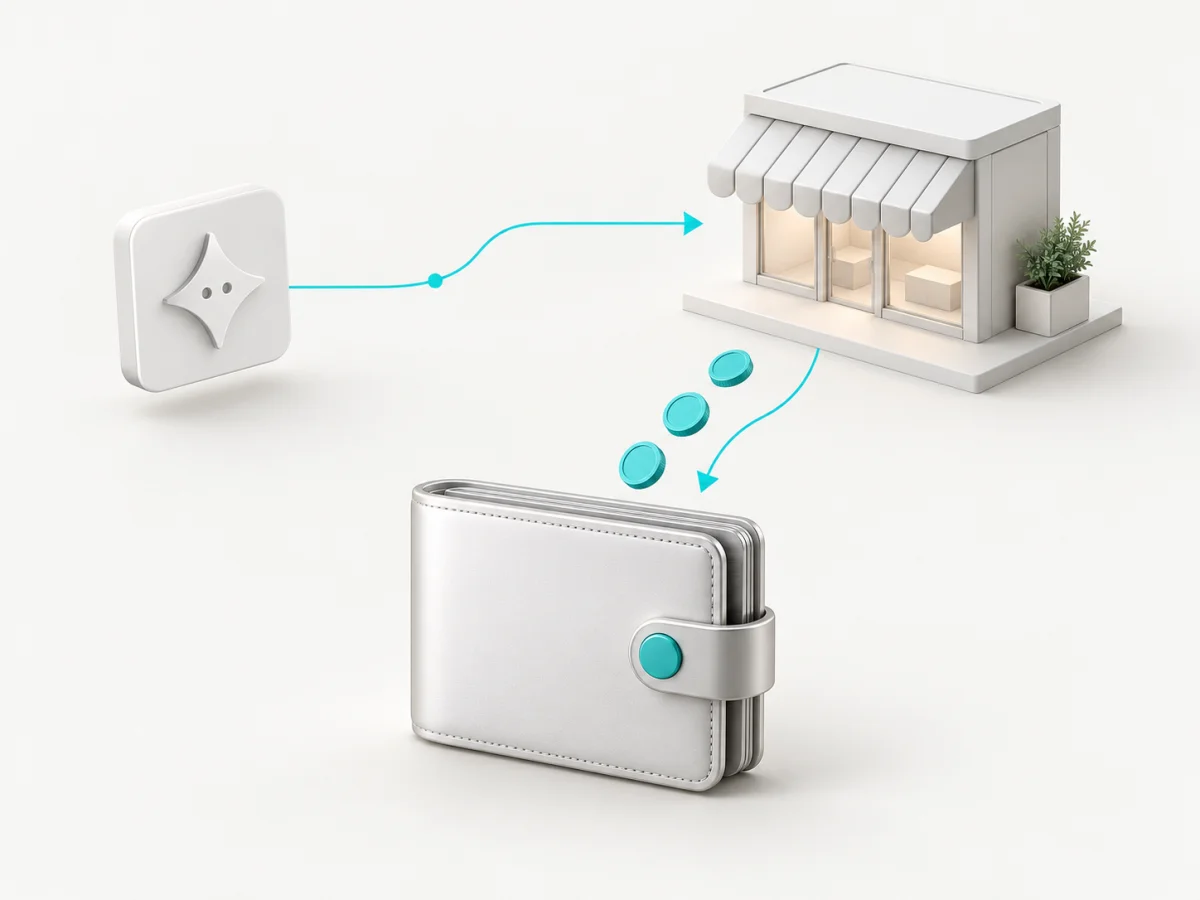
Cashback for
agent purchases.
Merchant-funded rewards. Stablecoins back to your wallet.
No live offers or announced rates.
Explore cashbackFrom the blog.
All articlesFAQs
Agentic commerce means AI agents help choose and purchase goods or services on behalf of people or businesses. For enterprise workflows, that can mean an agent buying the data, API access or compute it needs to complete a task. These are example use cases, not claims of live AgntPymt merchant integrations.
A business needs to define how much an agent may spend, when a person must approve a payment and how to review the result. AgntPymt brings those controls into the payment workflow. Payment infrastructure and enterprise spending policy need to work together.
AgntPymt enables enterprise AI agents to make payments within enterprise-defined guardrails, governance and compliance controls. Connect an existing agent through MCP, assign a wallet, set spending limits and approvals, and review payment records. Current availability is Base Sepolia and XRPL testnet.
Email contact@agntpymt.com with your company and the agent workflow you would like to explore. The team will follow up to arrange a demonstration. Request demo buttons open a draft in your email app; nothing is sent automatically.
Yes. Existing agents can self-register with AgntPymt through Model Context Protocol (MCP). Use Add agent → Connect yours to configure the connection for your agent environment. You can manage guardrails from Claude Code, Codex, Hermes, Cursor or OpenCode with the AgntPymt MCP connection configured.
AgntPymt supports Base Sepolia and XRP Ledger (XRPL) testnet. XRP and RLUSD are available for testing on XRPL. Use test assets for these workflows; XRPL mainnet payments are not available yet.
Set and manage your guardrails directly on the AgntPymt platform or through your connected agent. The demo shows spending caps, approval thresholds, organisation limits and a pause control.
No. AgntPymt gives your connected agent a wallet. You can use the platform to manage the agent and its payment controls, then review activity and transaction records.
AgntPymt brings spending limits, approval thresholds, pause controls and payment records into the agent payment workflow. These support enterprise oversight and compliance review; the platform does not itself establish regulatory compliance or certification. Production security and compliance readiness must be assessed for each deployment.
The agent cashback network is a planned feature. We are exploring merchant-funded stablecoin rewards on eligible agent purchases. Rates, eligibility and a launch date have not been announced.